
How to Add and Use an Email Signature
Each email account in Pitchbox can have its own email signature, which is added automatically to your templates and replies so you never have to type it out. This article covers how to set up a signature, how to insert it into email templates using the Email Account Signature personalization field, and how to add it to your replies.
Navigation
✍️ Adding an Email Signature
Signatures are set at the email account level, so each account can have its own.
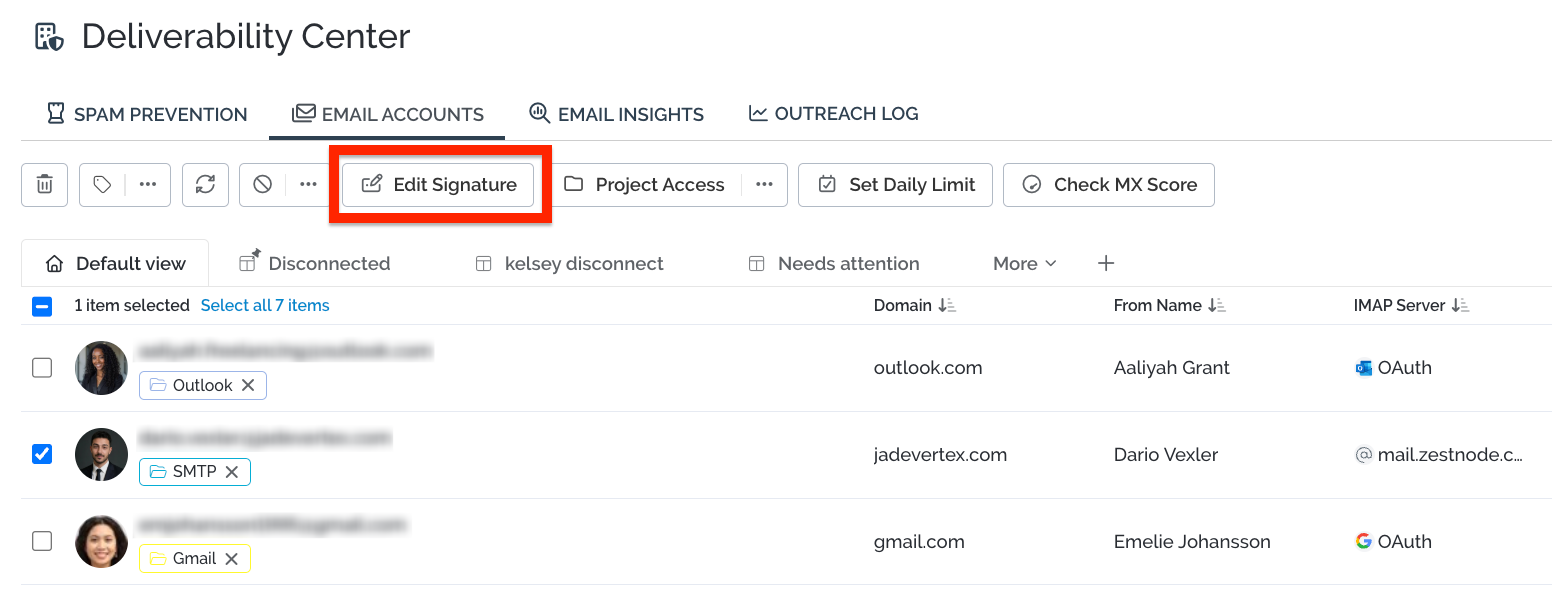
- Go to the Email Accounts page.
- Find the email account you want to add a signature to and click Edit Signature next to it.
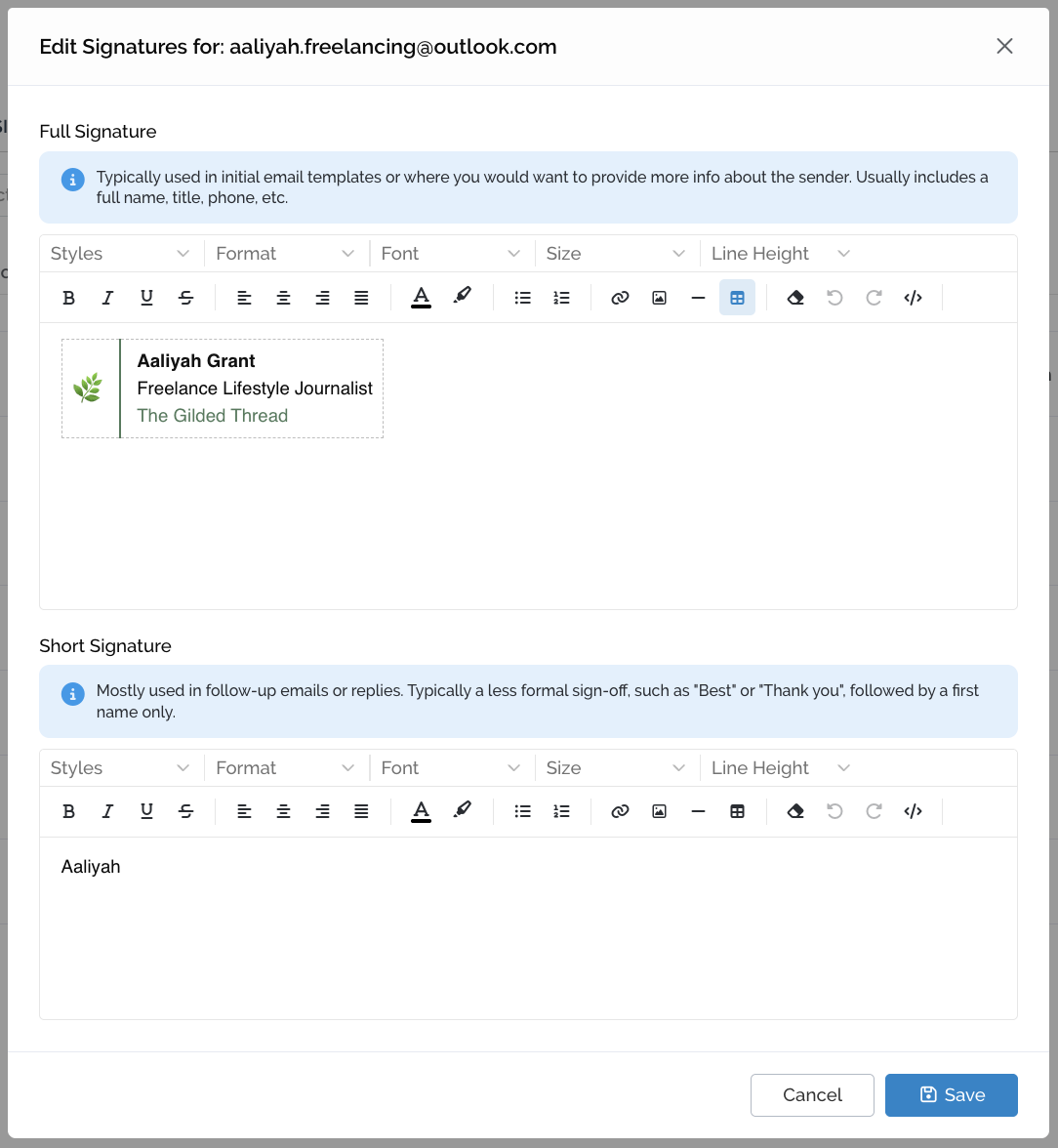
- Edit your signature, then click Save.
You can also add a short email signature for follow ups. In short, the full signature does the heavy lifting of credibility up front, and the shorter one keeps follow-ups light, human and easy to respond to.
You can read more about the importance of an email signature here.
📝 Adding Your Signature to Email Templates
The Email Account Signature personalization field makes it easy to use the same template across multiple campaigns and projects. Instead of a fixed signature, the template pulls in the signature of whichever email account sends the email.
- Open your email template.
- In the menu on the right side of the template screen, select the Email Account Signature field. This inserts
{{OUTREACH_EMAIL_ACCOUNT_SIGNATURE}}into your template.
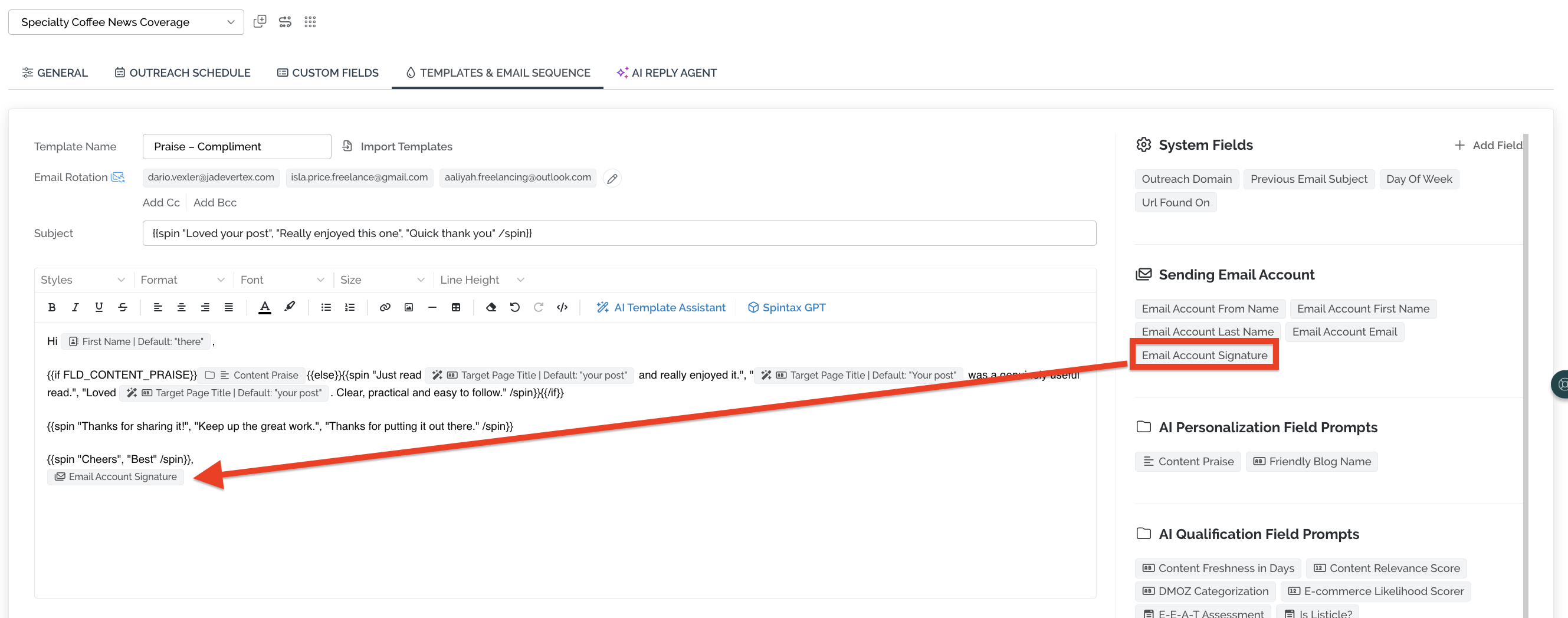
Once inserted, the signature you've set up in your Email Account settings is automatically included in your emails. This signature field will auto-populate with the sending email account's signature.
💬 Adding Your Signature to Replies
Click the Add Signature button to quickly pull in the signature set for your email account.
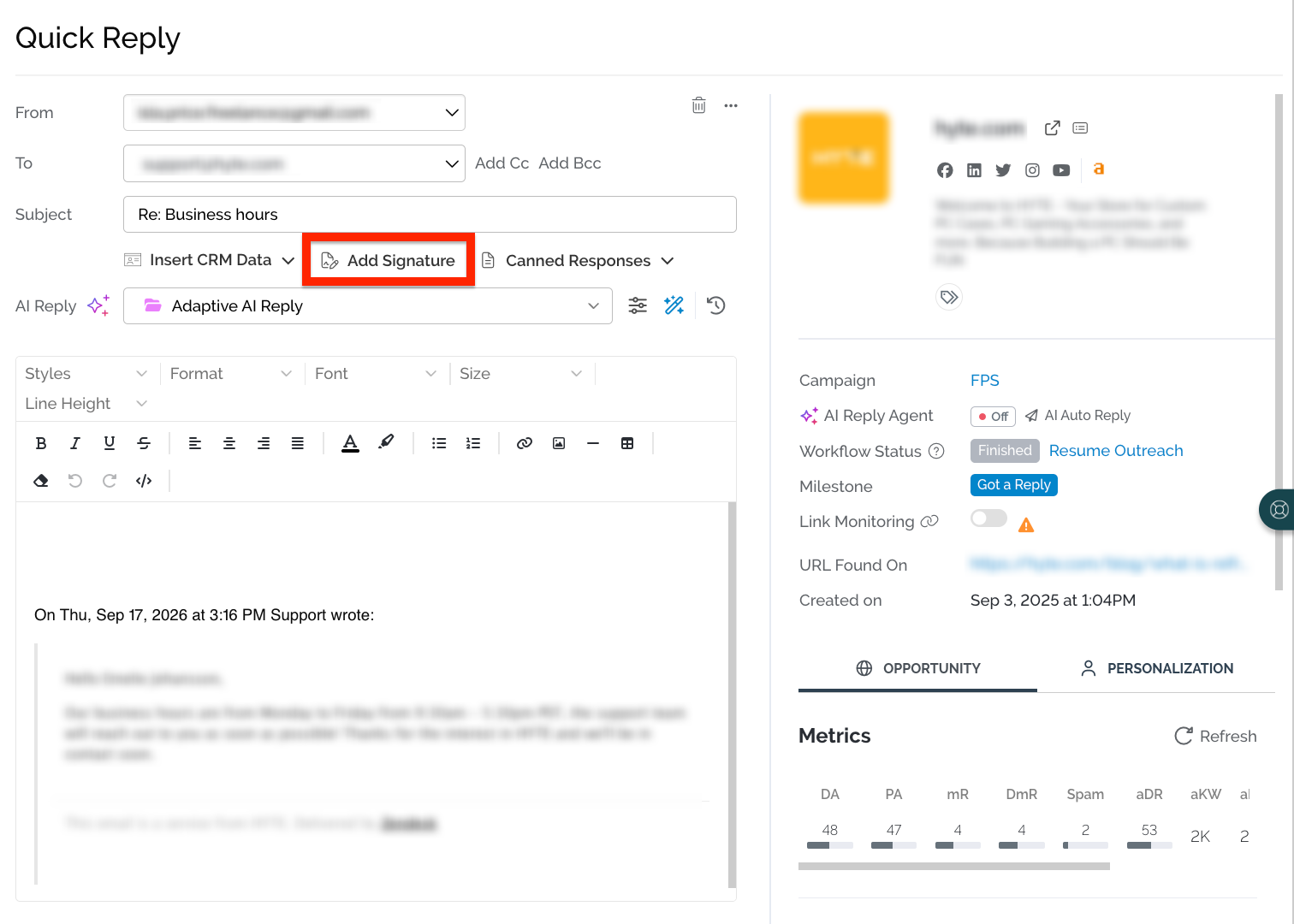
In Quick Reply, if both signatures are set up, Add Signature now becomes a dropdown so you can choose Full Signature or Short Signature on the fly.
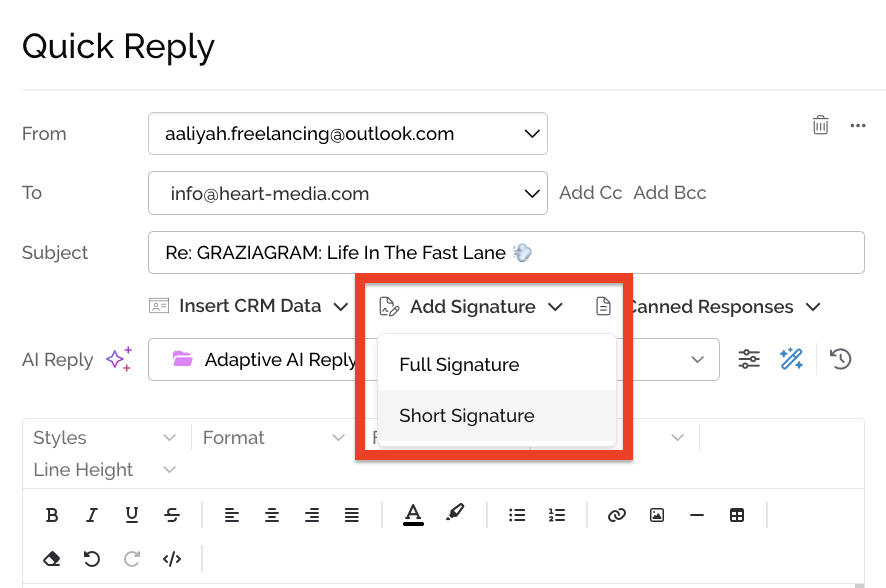
Only set up one? The button works just like before and inserts that one.
💬 Need more help? Email pitchbox@support.com or use the live chat and our team will be happy to help.