
Custom SMTP Setup in Pitchbox With Google or Microsoft
OAuth + Custom SMTP Introduction
If your email account is already connected via OAuth (Google, Outlook, Microsoft 365), it's quick and easy to update your email account settings in Pitchbox.
(If your email account is connected via IMAP/SMTP, follow the steps listed in our SendGrid guide here)
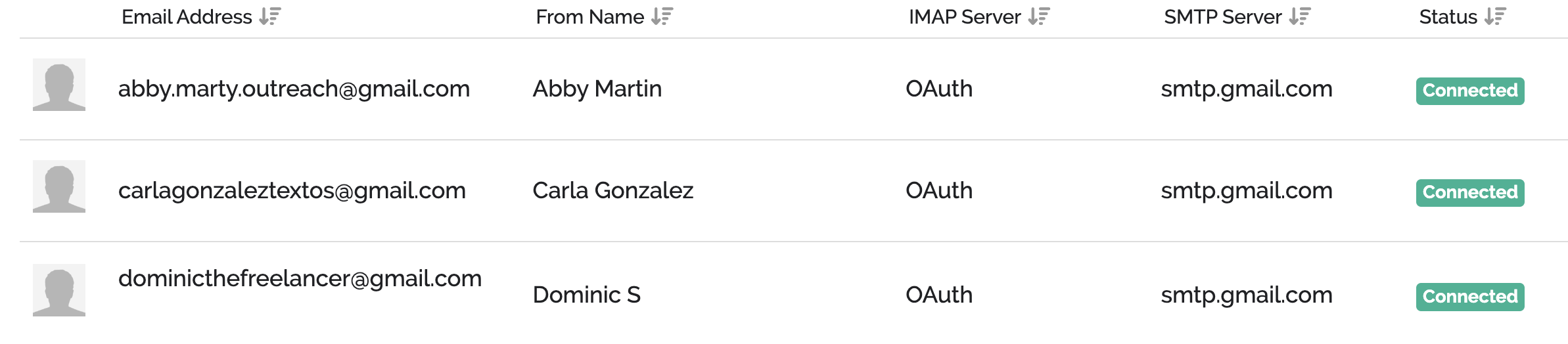
In order to use the Custom SMTP option where you can select from a list of multiple SMTP relay tools, you will need to ensure your email account is connected already.
Edit SMTP Settings
- Go to Account Settings
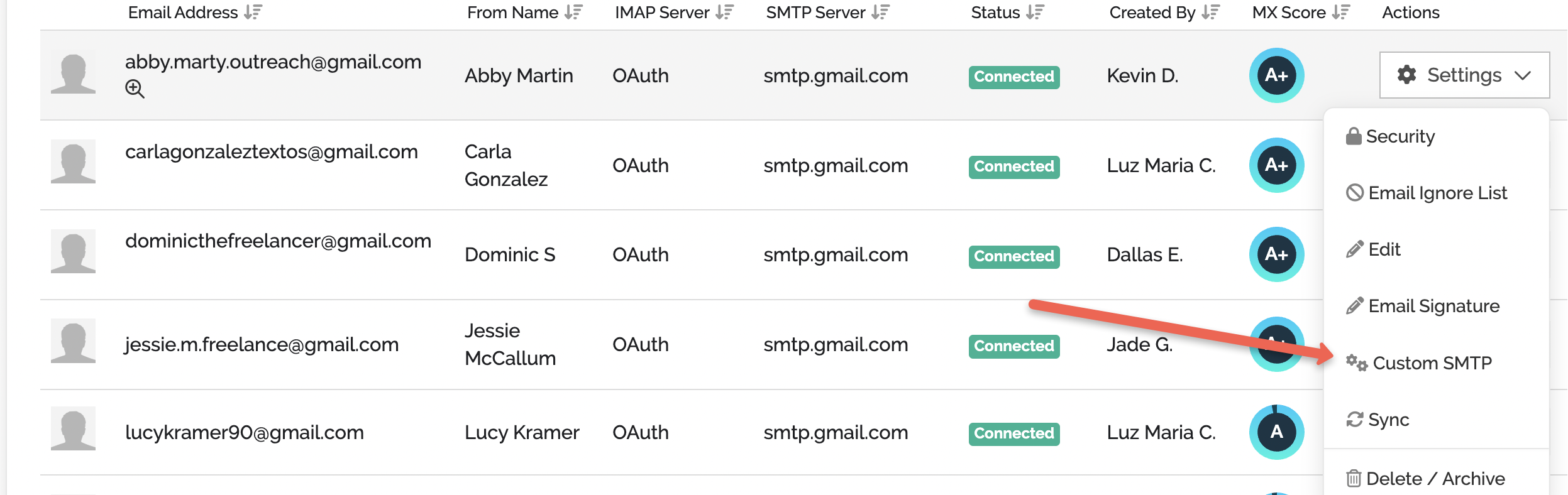
- Select Email Accounts
- Select Settings>Custom SMTP for the email account you need to edit
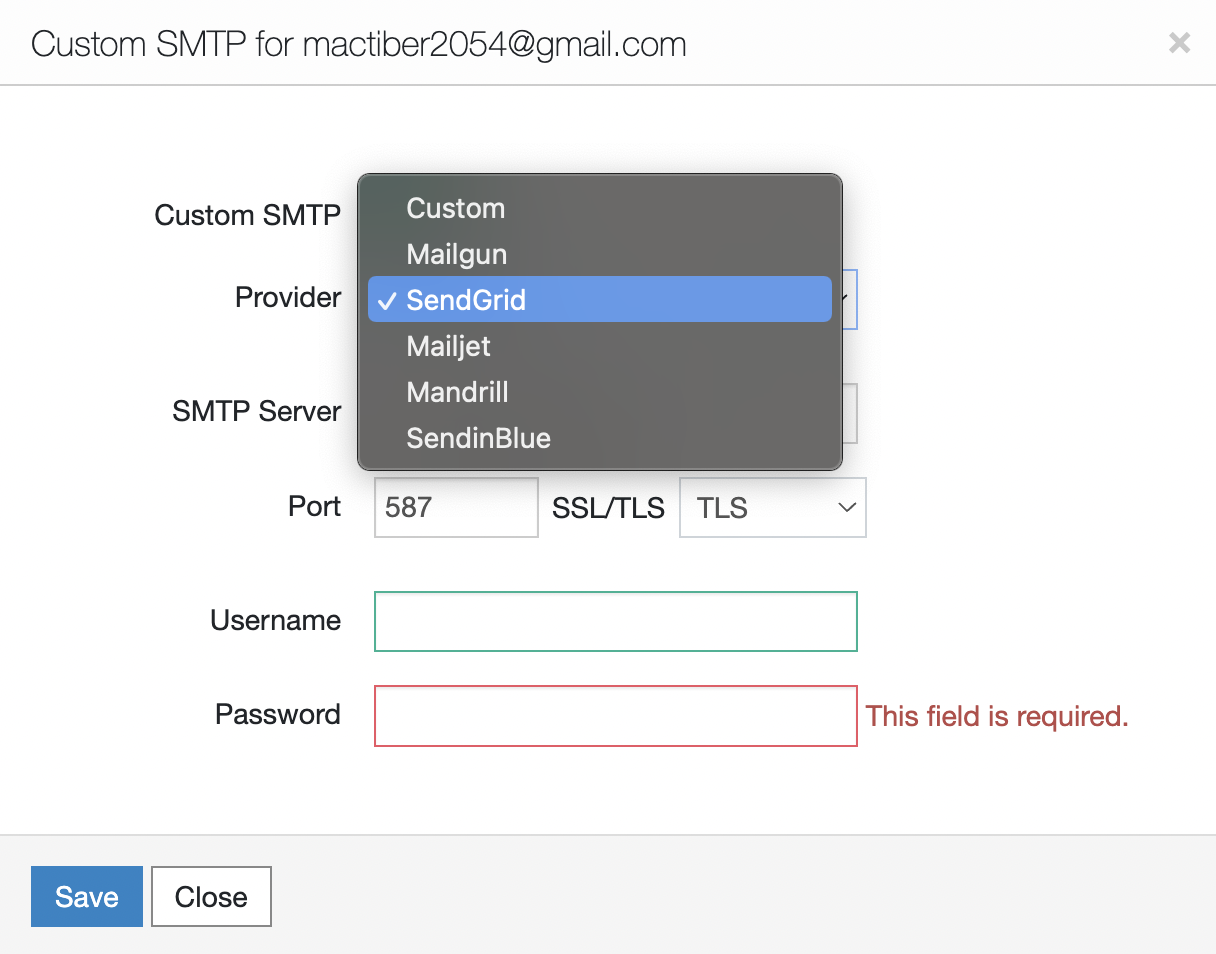
Please reach out to support@pitchbox.com if you need some assistance with configuring your Custom SMTP.